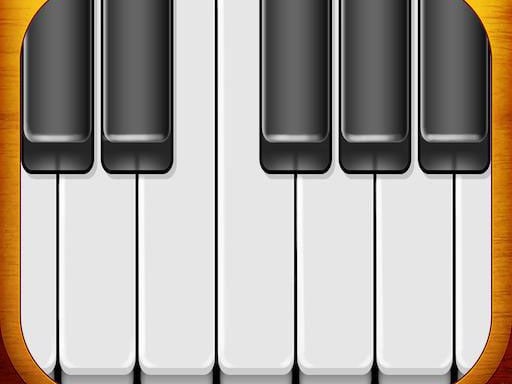
About Virtual Piano
Virtual Piano is a piano simulator with a musical keyboard, a simple design and an interface that is easy to use. You can work on your piano playing skills and play your favorite songs. You can also shift the octaves and change the type of piano.
How to play Virtual Piano
Open the game and the keyboard is ready. First move the octaves and other levels to where you want them, then play your favorite songs. To change the sound, pick another type of piano, which comes with different sound effect features. Use it to practice your piano playing skills.
Tips for playing Virtual Piano
- Sort out the octaves and other levels first, and begin a song after that.
- Try another type of piano if you want a different sound.
- Treat it as practice for your piano playing skills.
Frequently asked questions
What can you do in Virtual Piano?
You can work on your piano playing skills and play your favorite songs on a musical keyboard.
Can you change the sound in Virtual Piano?
Yes. Pick another type of piano and you get different sound effect features.
Can you shift the octaves in Virtual Piano?
Yes. Before you play, you can shift the octaves and other levels.
The text about this game was written with AI from its own description and checked before publishing. How we write game pages