Objects
About Objects
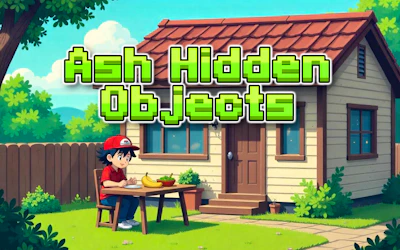
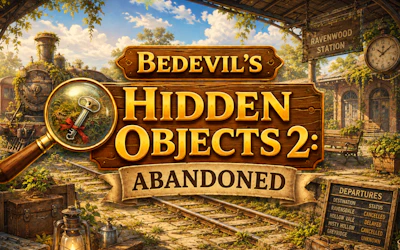
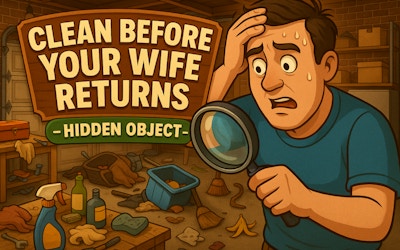
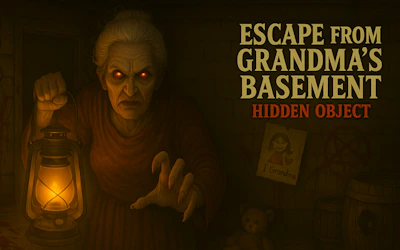
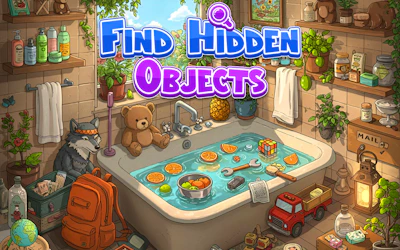
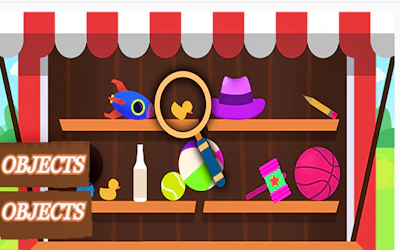
Objects is a hidden-object game you play right in your browser, free and with no download. You use a magnifier to scan detailed scenes and pick out items hidden within the picture. It's a search-and-find puzzle built to test your observation skills, with controls designed to work smoothly whether you're on a phone or a computer.
How to play Objects
To play, move your magnifier across the scene to look closely at different areas. Study the vibrant graphics carefully to spot objects tucked into the details. The controls are simple and respond well on any device, and the game adjusts to fit your screen size, so you can play the same way on a phone or a computer.
Tips for playing Objects
- Move the magnifier slowly and check corners of the scene, since hidden objects are easy to miss at a glance.
- Play in good lighting or increase your screen brightness so small details in the graphics stand out.
- Since it adapts to any screen size, try switching between phone and computer if one view feels easier to search.
Frequently asked questions
Is Objects free to play?
Yes, Objects is completely free to play in your browser with no download required.
Do I need to download anything to play Objects?
No, Objects runs directly in your browser on a phone or computer, so no download or install is needed.
What do you do in Objects?
You use a magnifier to search detailed scenes and locate hidden objects, testing your observation skills as you look for each item.