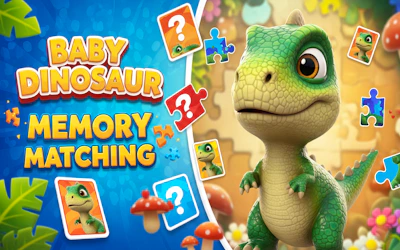
Memory Puzzle

About Memory Puzzle
Memory Puzzle is a simple matching game you can play free in your browser. Images are hidden on the board, and your job is to uncover them and find pairs of the same picture. It works on phone or computer, so you can play a quick round whenever you like without installing anything.
How to play Memory Puzzle
Click or tap on a tile to reveal the image underneath it. Then click or tap another tile to see if it matches. If the two images are the same, you have found a pair. If they are different, they hide again, and you try to remember where each image was for your next try. Keep going until you have found all the matching pairs.
Tips for playing Memory Puzzle
- Pay attention to the position of images you reveal, even if they do not match, so you can find their pair later.
- Try to open tiles in a consistent order across the board instead of clicking randomly.
- If you already found one half of a pair, focus on remembering it before flipping new tiles.
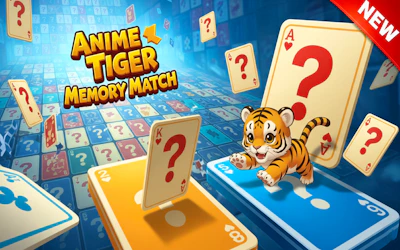
Memory Puzzle screenshots


Frequently asked questions
How do you play Memory Puzzle?
You click or tap tiles to reveal the images hidden underneath, then try to find two tiles showing the same image. Matching pairs stay revealed until you have uncovered them all.
Do I need to download Memory Puzzle to play it?
No, Memory Puzzle runs directly in your browser and needs no download or installation.
Can I play Memory Puzzle on my phone?
Yes, Memory Puzzle works in the browser on both phone and computer.