Mahjong Classic
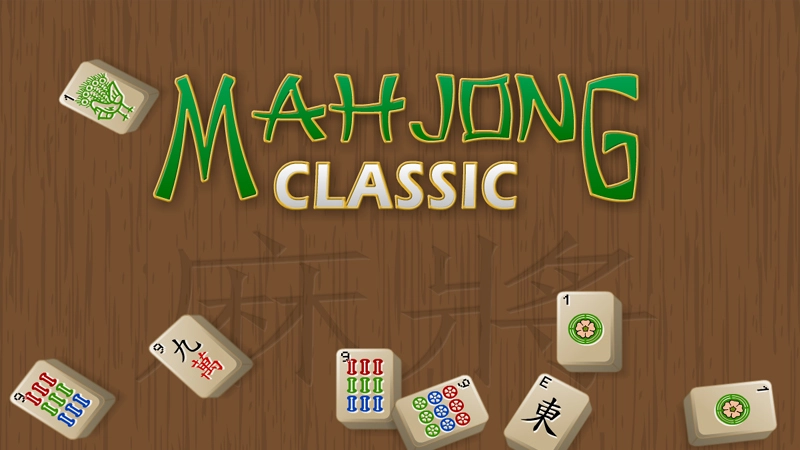
About Mahjong Classic
Mahjong Classic is a browser game with 60 levels of the traditional tile-matching solitaire. Tiles are arranged in a layout, and your job is to clear the board by finding matching pairs. Only free tiles, marked with a highlight, can be selected and removed, so you need to plan which pairs to clear first.
How to play Mahjong Classic
Look at the tile layout and find two matching tiles that are both highlighted as free. Click or tap the first tile, then click or tap its match to remove both from the board. Keep clearing pairs until no free matches remain or the level is finished. Work through the 60 levels in order, using the highlighting to guide which tiles are currently available to pick.
Tips for playing Mahjong Classic
- Scan the edges and top layers of the layout first, since those tiles are usually free before the ones underneath.
- Before clicking a pair, check if removing it will unlock more matches or block tiles you still need.
- If you get stuck, look for tiles that are only free on one side, since these often limit your options the most.
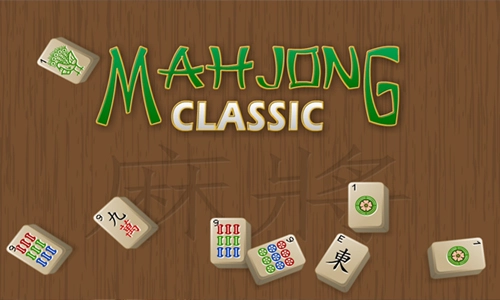
Mahjong Classic screenshots

Frequently asked questions
How do you play Mahjong Classic?
You match two identical tiles that are both free, meaning highlighted and not blocked by other tiles. Removing pairs clears the board, and you keep going until the level is solved.
What does the highlighting on tiles mean?
Highlighted tiles are free, which means they are currently available to select and match. Tiles without highlighting are covered or blocked and cannot be chosen yet.
How many levels does Mahjong Classic have?
It has 60 levels of classic Mahjong solitaire to play through in the browser.