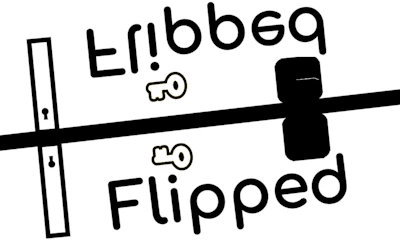
Flipped
About Flipped
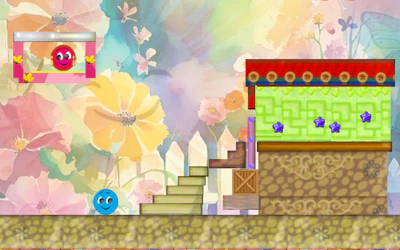
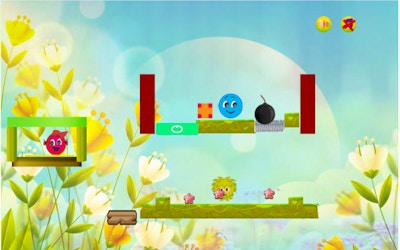
Flipped is a platformer that turns your instincts upside down. Controls are reversed, so up is down and left is right, changing every move you make. You navigate unconventional paths, collect keys, and dodge hazards while your brain fights against the flipped inputs. It plays right in your browser, free, with no download required.
How to play Flipped
Move through each level using reversed controls, where directions don't do what you expect. Guide your character along unconventional paths, staying alert for hazards that can stop your progress. Along the way, collect keys as you make your way through the topsy-turvy world. Success depends on retraining your reflexes to work with the flipped movement instead of your normal instincts.
Tips for playing Flipped
- Pause before moving and consciously think through the reversed direction before pressing anything.
- Take hazard-heavy sections slowly rather than rushing on instinct.
- Practice short movements first to get used to the flipped controls before attempting longer paths.
Frequently asked questions
What makes Flipped different from a normal platformer?
Its controls are reversed, so directions like up, down, left, and right work opposite to what you'd expect, changing how you approach every jump and move.
Do I need to download Flipped to play it?
No, Flipped runs entirely in your browser on phone or computer, with no download required.
What do you do in Flipped?
You navigate unconventional paths, collect keys, and dodge hazards while adjusting to the game's reversed control scheme.