Archer
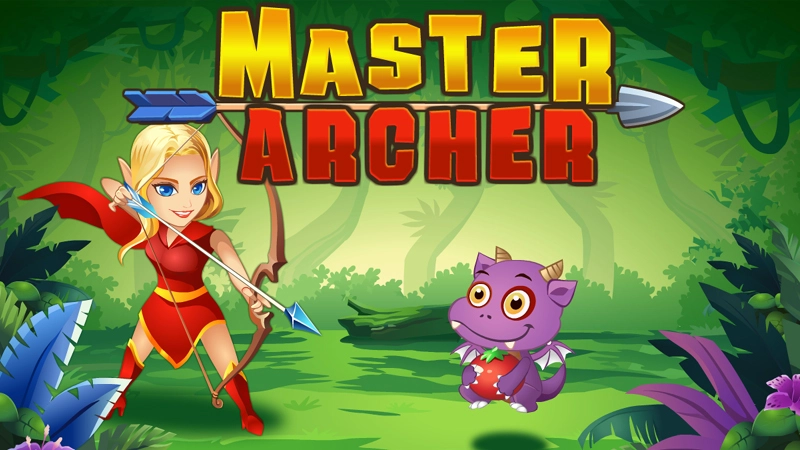
About Archer
Archer is a free browser game where precision matters more than speed. Your task is simple: shoot only the fruit and avoid everything else. Using click and drag controls, you line up each shot and release when you are confident in your aim, testing how steady and careful you can be with every arrow.
How to play Archer
To play Archer, click and hold to draw back your shot, then drag to set the direction and angle of your arrow. Release the click to fire. Watch where the fruit is positioned before you shoot, since the goal is to hit only the fruit and nothing else. Take your time lining up each shot before releasing.
Tips for playing Archer
- Hold your click a moment longer to get a clearer sense of your aim before releasing.
- Drag slowly rather than quickly so you can fine-tune the angle at the last second.
- Focus on one piece of fruit at a time instead of rushing your shot.
Archer screenshots
Frequently asked questions
How do you play Archer?
You click and drag to aim your shot, then release to fire the arrow. The aim is to hit only the fruit on screen.
Do I need to download Archer to play it?
No, Archer runs directly in your browser with no download required, and it works on both phone and computer.
What is the goal in Archer?
The goal is to shoot carefully and hit only the fruit, using click and drag controls to aim each shot.