Alien Invaders

About Alien Invaders
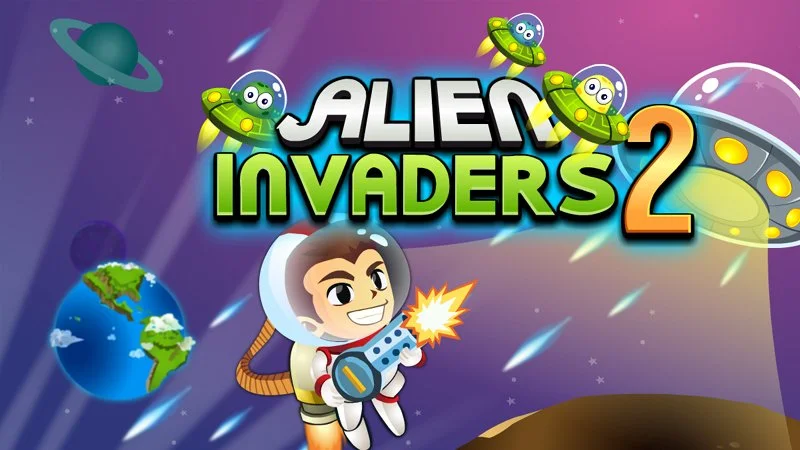
Alien Invaders is a classic shooting game you can play right in your browser. Your goal is simple: shoot all the invaders before they reach you. It works on both computer and phone, with no download or installation needed, so you can jump straight into the action wherever you are.
How to play Alien Invaders
On a computer, use the arrow keys to move your ship left and right, and press the space bar to shoot at the invaders. On mobile, drag your finger to move and tap the screen to fire. Keep shooting until all the invaders are cleared from the screen. The controls are simple, so you can focus on aiming and timing your shots against the incoming aliens.
Tips for playing Alien Invaders
- Keep moving so the invaders have a harder time closing in on you.
- Fire steadily rather than randomly to hit more invaders.
- Play on a larger screen if possible for easier aiming on mobile.
Alien Invaders screenshots


Frequently asked questions
How do you play Alien Invaders?
You move your ship and shoot at the invaders until they are all destroyed. On PC use the arrow keys and space bar, and on mobile drag to move and tap to shoot.
Can I play Alien Invaders on my phone?
Yes, Alien Invaders works on mobile browsers. You drag to move your ship and tap the screen to shoot.
Do I need to download Alien Invaders?
No, Alien Invaders runs directly in your browser with no download or installation required.